Learneris · Release Notes
Find and shortlist YouTube videos more easily
The YouTube video finder now gives the results more room, adds an expand button, and lets you shortlist videos to compare before you choose.
What's new
Picking a YouTube video for your lesson just got easier.
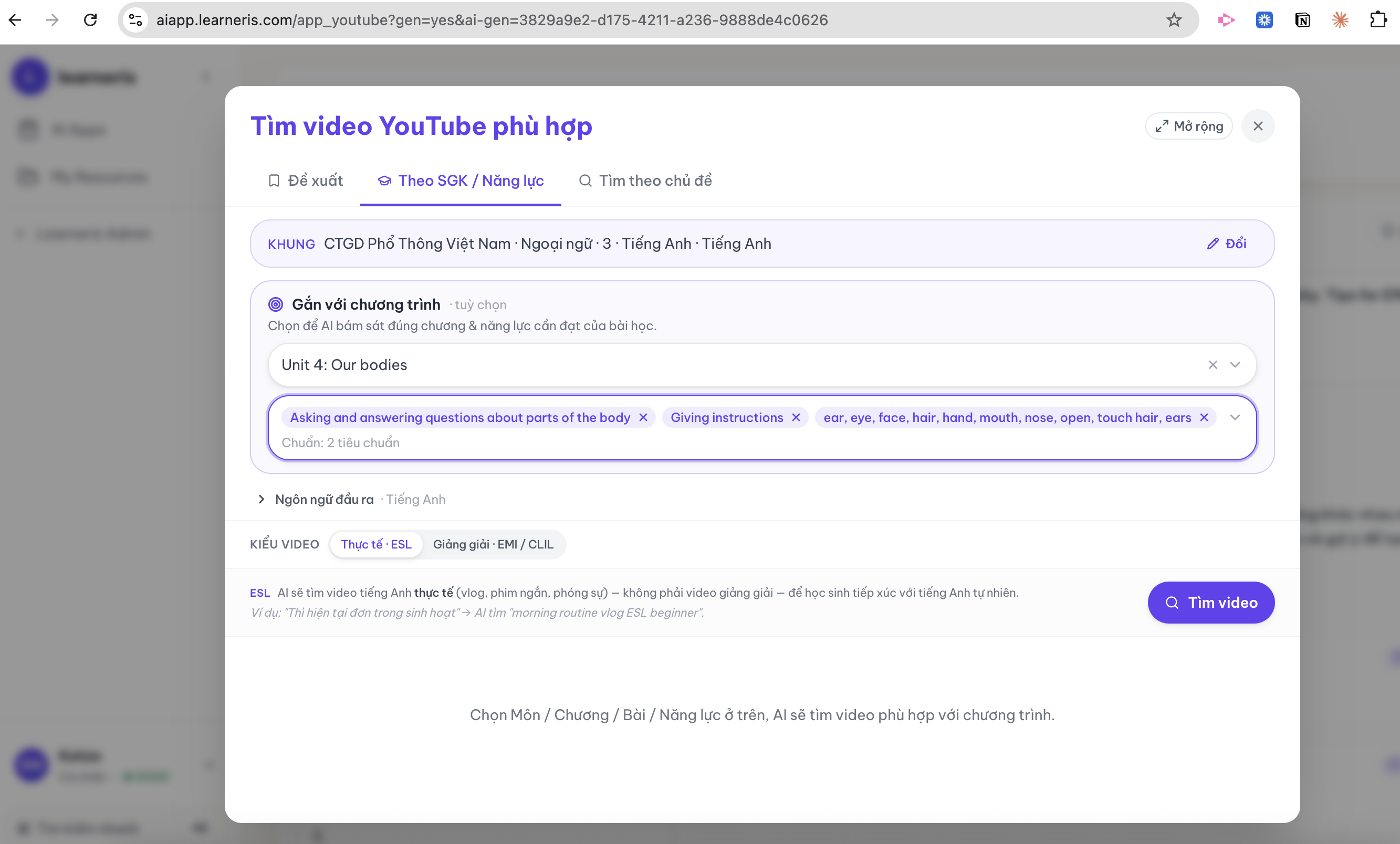
Set it up by lesson. Pick the chapter and the skills you're targeting, and the finder searches around exactly that:
Then the results take center stage. After you search, the filters tuck into a one-line summary so the matching videos fill the screen — you can scan many more at a glance:
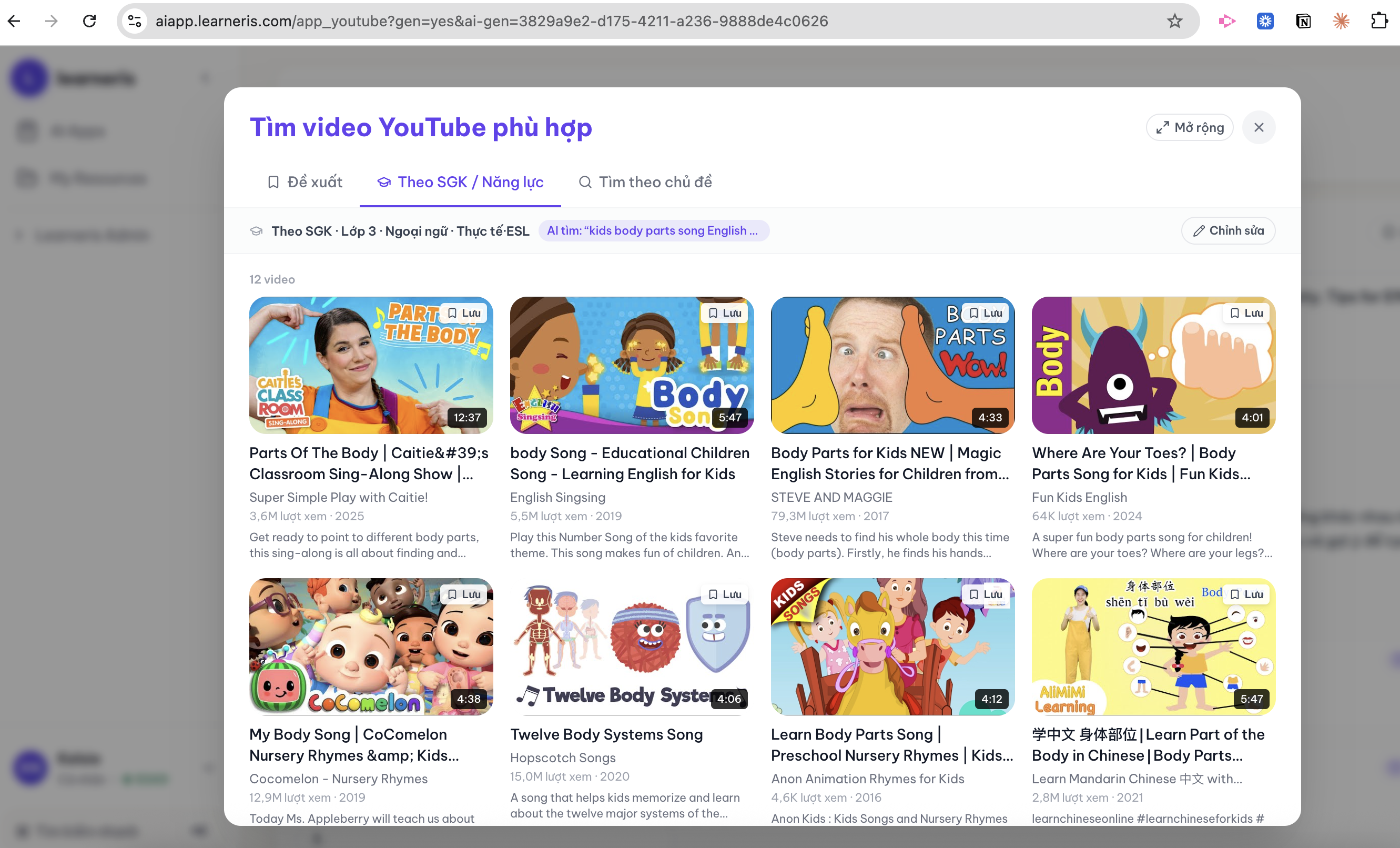
You can also expand the finder for a bigger view (it remembers your choice) and shortlist several videos to compare side by side before picking the best one.
Why you'll like it
Finding the right video used to feel cramped, especially on smaller laptop screens — you could often see only about one row of results. Now the results lead, so you can browse, shortlist, and choose the perfect video faster.